
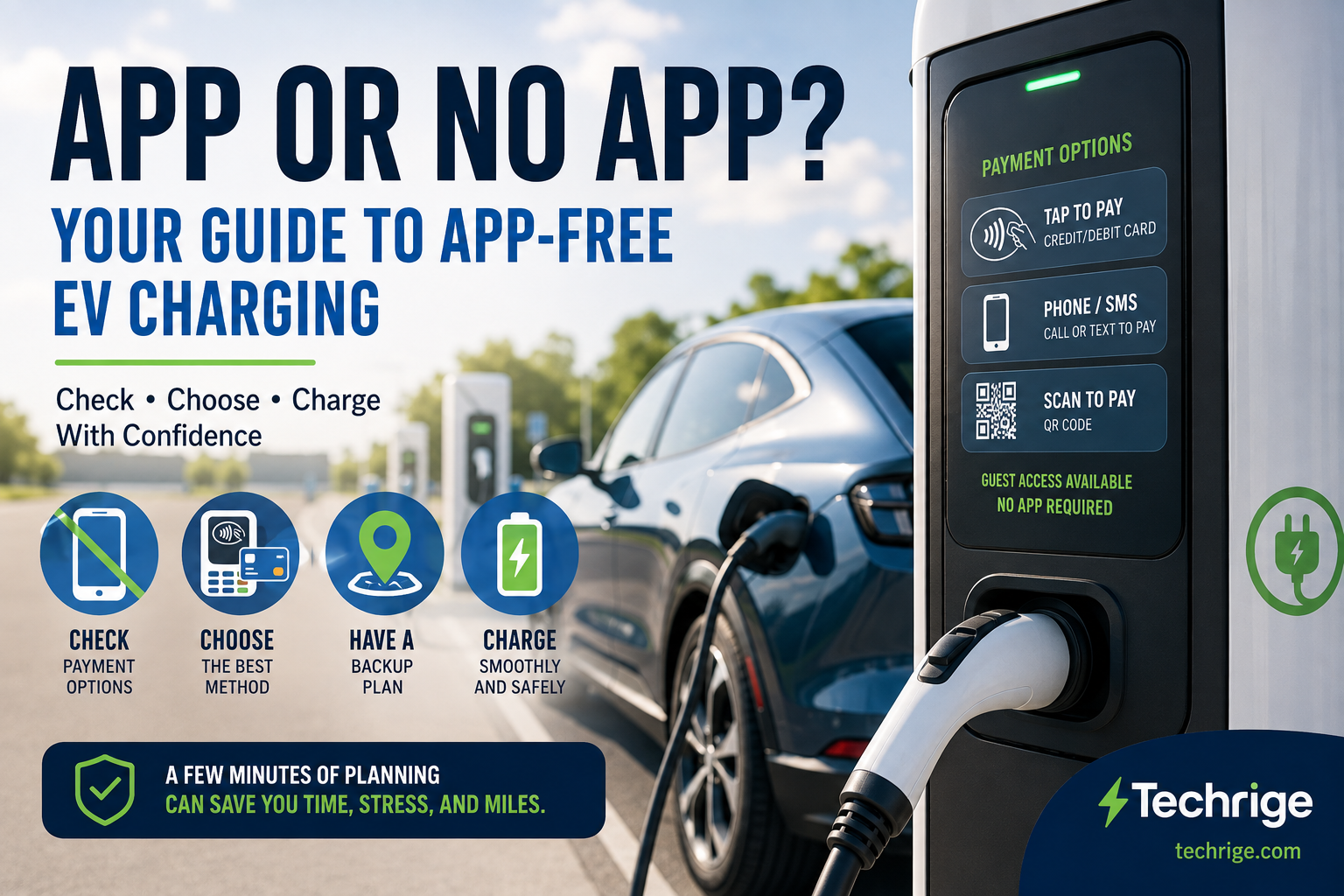
A public EV charger does not always require an app, but drivers should not assume that tap-to-pay or another app-free option will be available at every location. The practical answer depends on the individual station, its charging network, equipment, funding history, access rules, and the payment methods currently available at the site.
For a smoother trip, treat app-free charging as something to verify before you need it. Check the station listing, review the charger’s instructions when you arrive, and keep a realistic backup option in case your preferred payment method is unavailable.
“No app” can mean three different things
When drivers ask whether they can charge without an app, they may mean one of three things:
- No network account or membership required: You can start and pay for a charging session as a guest.
- No mobile app required: You may still use a contactless card, physical payment card, website, QR code, phone call, or SMS process.
- No smartphone required: The charger provides a payment and session-starting method that does not depend on a smartphone, such as an on-site card reader.
These situations are related, but they are not the same.
A charger may allow a guest session without membership but still ask you to use a website or text-message process. Another may have a card reader that lets you pay without an account or phone. A third may make its app the most visible option even when another supported payment method is available through the charger screen or customer-service instructions.
The useful question is not simply, “Does this network have an app?” It is:
What payment and session-starting options are available at this specific charger today?
Why payment options vary by charger
Public charging is not one uniform system. Sites can have different charging equipment, operators, networks, pricing arrangements, access restrictions, payment systems, and upgrade histories.
A station being described as public tells you that drivers may be able to use it. It does not, by itself, tell you whether the charger accepts contactless cards, requires an account, operates 24/7, has parking restrictions, or is currently working.
The U.S. Department of Energy explains that open-access networked charging can provide non-members with ways to charge through customer service or on-site credit-card payment. It also notes that non-member charging may provide fewer network features, such as charging-status notifications. Read more in the Department of Energy’s Operation and Maintenance for Electric Vehicle Charging Infrastructure.
In practice, that means an app may be convenient even when it is not required. An app can provide session information, receipts, charging-status updates, or notifications, depending on the network.
But convenience is different from necessity. If you prefer not to use an app, look for a clearly supported alternative instead of assuming one exists based on the network name or charger appearance.
Before you leave: five payment and access checks
Planning matters most when you are travelling, arriving with a relatively low battery level, or charging outside an area you know well.
Start with a current station listing rather than relying only on a map pin, search result, or older driver review.
The U.S. Department of Energy provides the Alternative Fueling Station Locator for EV charging locations in the United States and Canada.
The underlying station-data documentation includes fields for details such as access conditions, operating hours, accepted payment methods, connector types, EV pricing information, station status, and data-update information. See the Alternative Fuel Stations data-field documentation for the types of information a station record may contain.
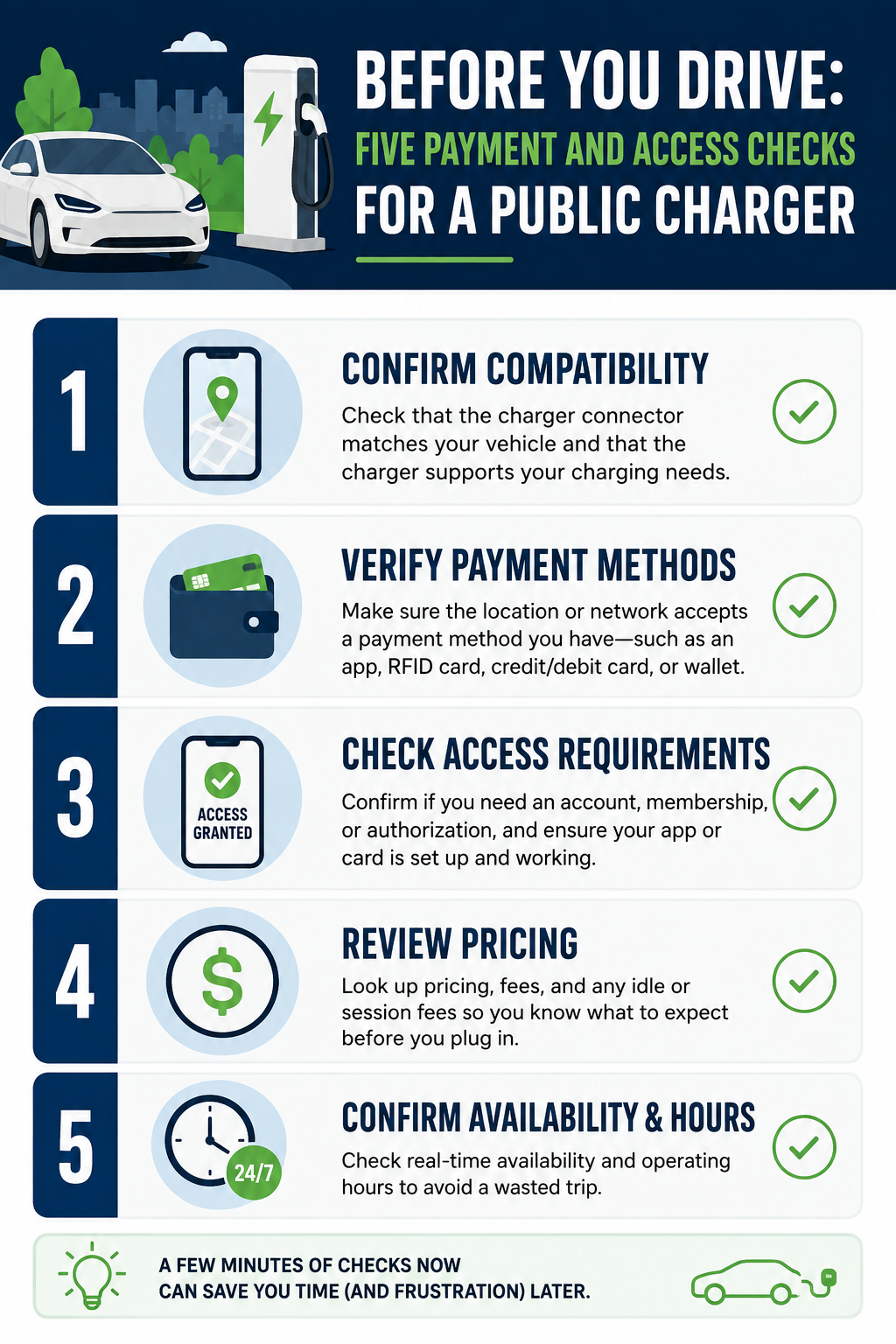
Use the available information to make these five checks.
1. Confirm that the location is accessible when you need it
A charger can be publicly listed yet still be located somewhere with limited operating hours or access conditions.
Check:
- Operating hours
- Parking restrictions
- Property-access requirements
- Whether the location is restricted to customers, guests, or patrons
- Any notes about after-hours access
If the listing includes information about when the station data was updated or confirmed, consider how current it may be—especially for a site you have never used before.
2. Check connector compatibility
Confirm that the charger’s listed connector is compatible with your vehicle and that you have any adapter your vehicle may require.
Also consider whether your vehicle can use the charger type and power level being offered.
Payment access does not help if the equipment cannot physically or electrically connect to your vehicle.
3. Review payment methods and pricing information
Look for information about accepted payment methods before departure.
Depending on the station, options may include:
- Contactless credit or debit card
- Physical payment card
- Charging-network RFID card
- Mobile app
- Guest web payment
- QR-code payment
- Phone or SMS
- Network account balance
Treat listing information as a planning aid rather than a guarantee that every payment method will be working when you arrive.
Where pricing information is available, check the charging rate and any additional parking, session, idle, or congestion fees.
If payment information is missing or unclear, do not assume that contactless card payment will be available.
4. Check the station’s listed status
A station-status field can help you avoid planning around a location that is already reported as temporarily unavailable or otherwise unsuitable.
However, real-world conditions can change after a listing is updated.
A charger may become:
- Occupied
- Temporarily offline
- Blocked
- Inaccessible
- Unable to process your preferred payment method
Use current status information to support your decision, but do not let it replace a backup plan.
5. Choose a backup charging location
Identify another practical charging location before setting out.
Ideally, your backup should be somewhere you can comfortably reach if the first location is occupied, unavailable, inaccessible, incompatible, or unable to accept a payment method you can use.
A second option can reduce the pressure to create an account in a hurry or continue driving with less remaining charge than you planned.
At the charger: follow the available payment path
Once you arrive, take a moment to read the charger screen and physical labels before starting the session.
The equipment itself may show payment or guest-access options that were not obvious in the station listing.
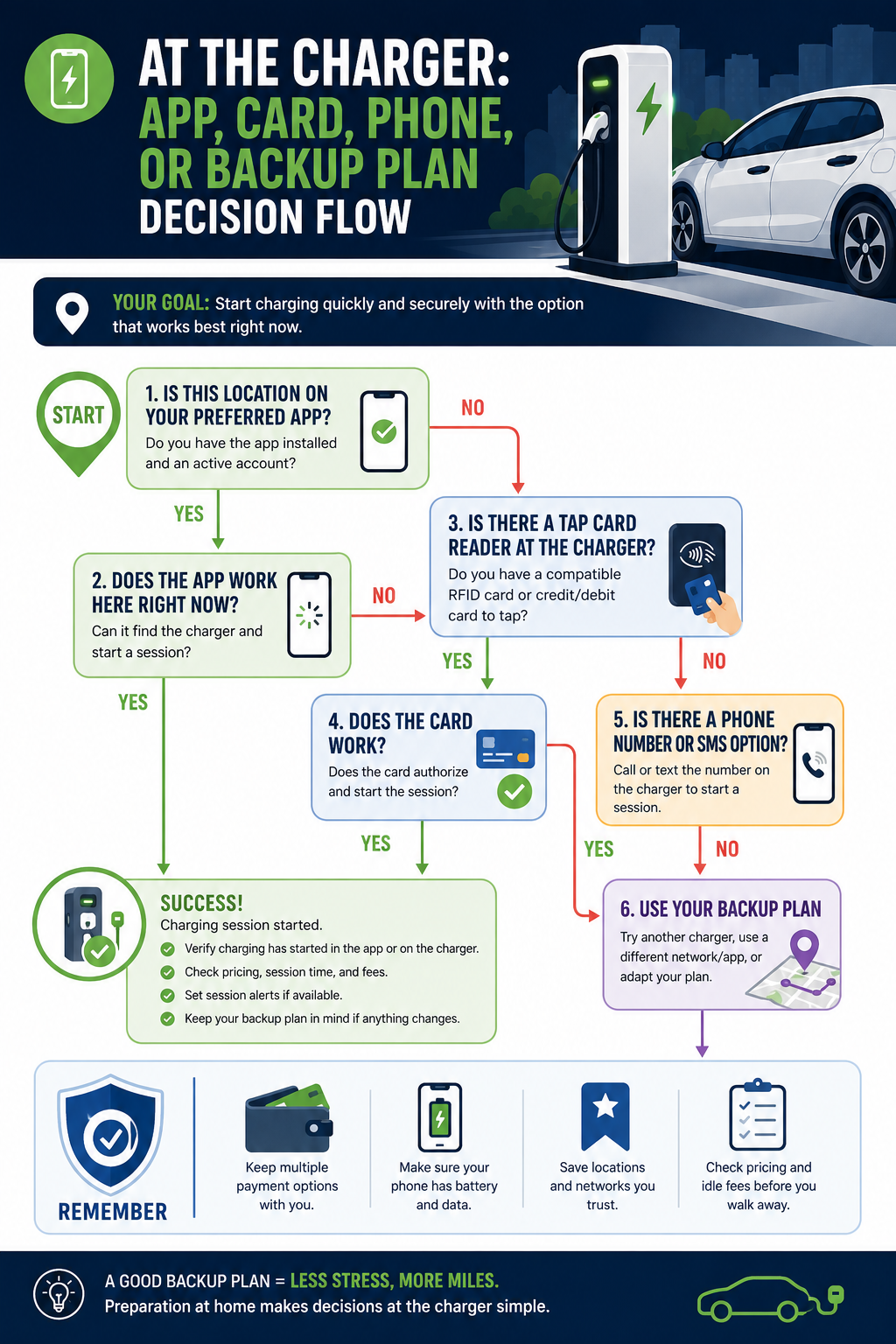
Use this quick on-site checklist:
- Read the charger screen and labels for session-starting instructions.
- Look for a contactless or physical card reader.
- Check for a guest-payment option if you do not want to create an account.
- Look for QR, web, phone, or SMS instructions if those options are offered.
- Check the displayed price and possible additional fees before starting.
- Find the customer-support number in case the charger does not respond as expected.
- Confirm that charging has actually started before walking away from the vehicle.
If a non-app option is shown, follow the charger’s instructions and wait for confirmation that the charging session has started.
Keep your payment card available and retain any receipt or confirmation offered by the charger.
If you do not carry a smartphone, prioritise stations whose listings and on-site equipment clearly indicate a card-payment or other phone-free route.
A phone or SMS alternative still requires access to a device capable of placing calls or sending and receiving messages, so it is not necessarily the same as completely phone-free charging.
What to do when the charger appears to require an app
Do not immediately assume that an app is mandatory simply because the charger screen or sticker prominently promotes one.
First, look for another supported way to start the session.
A practical sequence is:
- Read the full screen and charger instructions.
- Look for a contactless or physical card terminal.
- Check for a guest-payment or “pay without account” option.
- Look for QR-code, web, phone, or SMS instructions.
- Use the customer-support number if the available options are unclear or not working.
- Download the app only if it is the practical option you choose and you are comfortable with the account and payment requirements.
- Use your backup charger if you cannot start the session through an acceptable method.
Some alternatives may appear later in the charger’s on-screen process or on a label near the display rather than on the initial screen.
Downloading an app may be perfectly reasonable when it is the easiest or only workable option and you are comfortable using it. It does not need to be your automatic response before checking whether the charger provides another supported payment method.
What federal rules do—and do not—mean for app-free charging
Some U.S. federally funded EV charging projects are subject to specific payment-access requirements under 23 CFR Part 680.
The regulation’s applicability provision in 23 CFR § 680.102 states that, except where otherwise noted, the requirements apply to National Electric Vehicle Infrastructure (NEVI) Formula Program projects as well as projects for publicly accessible EV chargers funded with funds made available under Title 23 of the U.S. Code.
For charging stations covered by these rules, 23 CFR § 680.106 includes specific payment requirements.
Unless charging is permanently provided free of charge, covered stations must provide at least:
- A contactless payment method accepting major debit and credit cards; and
- Either an automated toll-free phone number or an SMS option that allows the customer to initiate a charging session and submit payment.
The rule also states that membership cannot be required for use.
That is useful context for drivers, but it does not mean that every public EV charger in the United States must provide those same payment options.
Older chargers, privately funded locations, and other stations outside the rule’s scope may operate differently.
For trip planning, the practical conclusion is straightforward: a station covered by these federal requirements may provide a stronger expectation of app-free payment access, but the specific station’s condition, access rules, listing information, and on-site instructions still matter.
This is general practical information for EV drivers, not legal advice regarding a particular charging station or operator.
A simple app-free charging plan
If avoiding charging-network apps is important to you, build your trip around verification rather than expectation:
- Search for charging locations before you leave.
- Confirm connector compatibility with your EV.
- Check operating hours and access restrictions.
- Look for stations that clearly list card, contactless, guest, or other acceptable payment methods.
- Review charging prices and possible idle or parking fees.
- Carry more than one payment option when practical.
- Keep your phone charged if you are willing to use web, SMS, or customer-support alternatives.
- Identify a backup charger before your battery level becomes uncomfortable.
- At the charger, confirm that the session has actually started before leaving the vehicle.
You may be able to use a public EV charger without downloading an app.
The important distinction is that “app-free charging is possible” does not mean “every public charger supports app-free charging.”
Verify the actual payment and access options before depending on a station, and keep another charging option within comfortable reach.
Sources
- U.S. Department of Energy — Operation and Maintenance for Electric Vehicle Charging Infrastructure
- U.S. Department of Energy — Alternative Fueling Station Locator
- U.S. Department of Energy — Alternative Fuel Stations Data Fields
- Electronic Code of Federal Regulations — 23 CFR § 680.102, Applicability
- Electronic Code of Federal Regulations — 23 CFR § 680.106, EV Charging Infrastructure Requirements